How to delete your Thelo Parking account? - Web Wars Web Design
3709
wp-singular,page-template-default,page,page-id-3709,wp-theme-bridge,bridge-core-3.0.2,qode-page-transition-enabled,ajax_fade,page_not_loaded,qode-page-loading-effect-enabled,,qode_grid_1300,qode_popup_menu_push_text_top,qode-content-sidebar-responsive,qode-theme-ver-28.8,qode-theme-bridge,disabled_footer_bottom,wpb-js-composer js-comp-ver-7.9,vc_responsive

How to delete your Thelo Parking account?

If you are willing to delete your account from the app “Karma Parking” here are the steps you should follow:


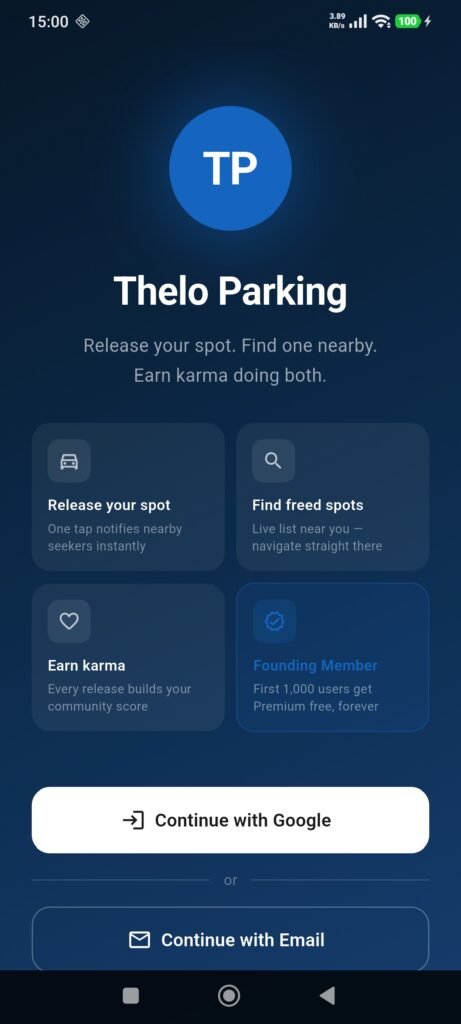
  1. Open the “Karma Parking” and login if you aren’t logged in.
  2. Open the popup menu by tapping the three dots icon on the top right.
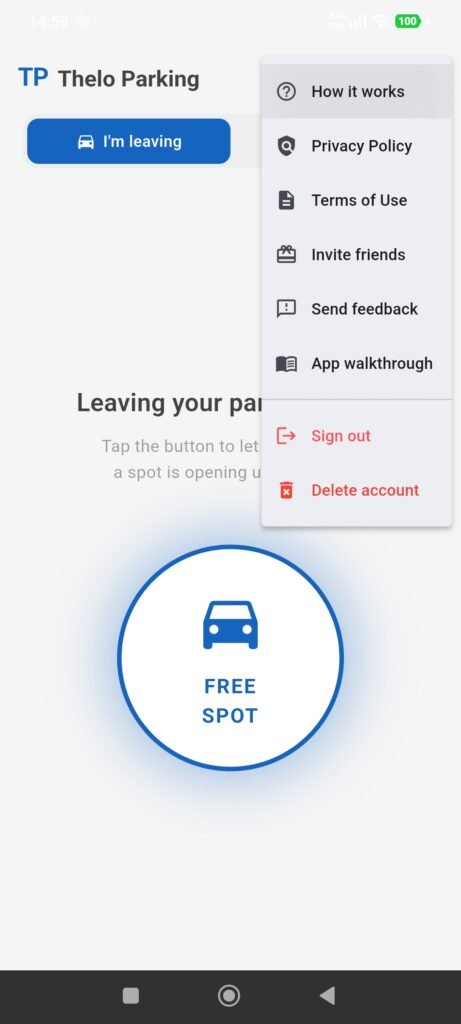
  3. Tap “Delete Account”.
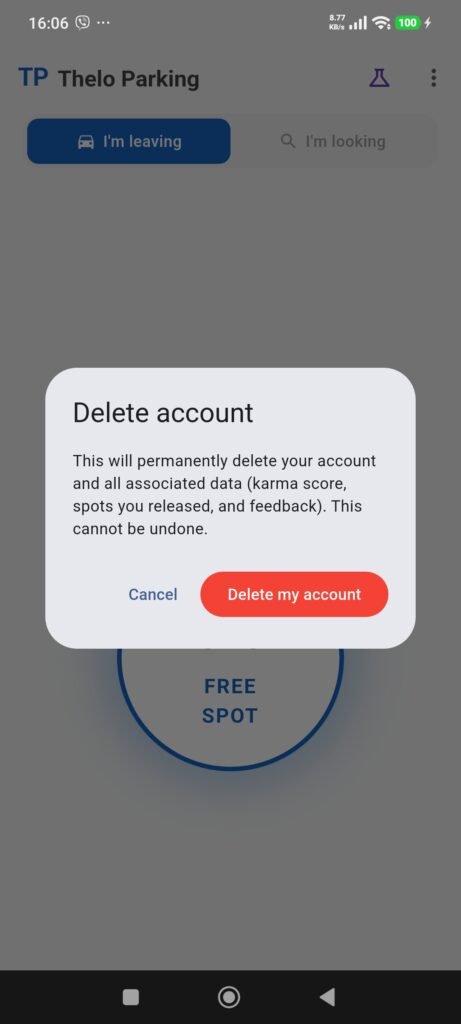
  4. Confirm that you really want to delete your account and all your data by tapping “Delete my account”.